Excalidraw MCP for Codex
Give an AI assistant a canvas it can build, inspect, revise and export as an editable diagram.
Server & canvas integration development
Edit a diagram
Draw, edit and export using the project’s open-source canvas engine.
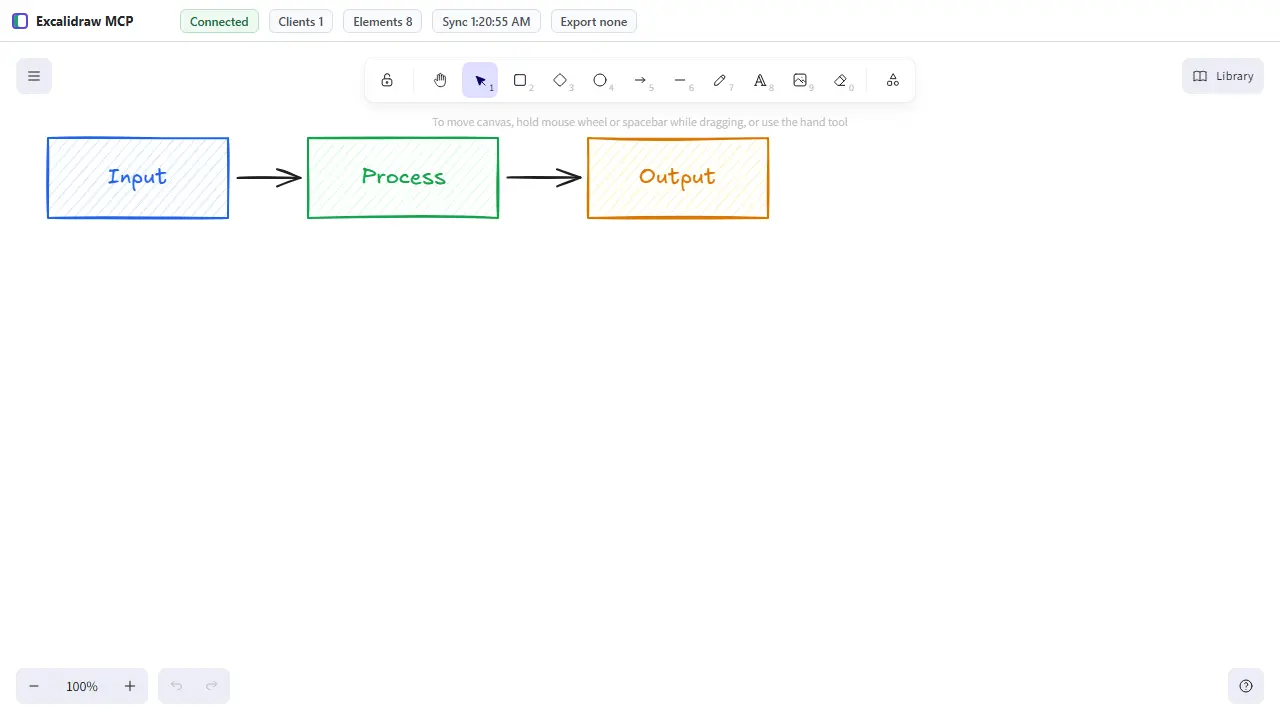
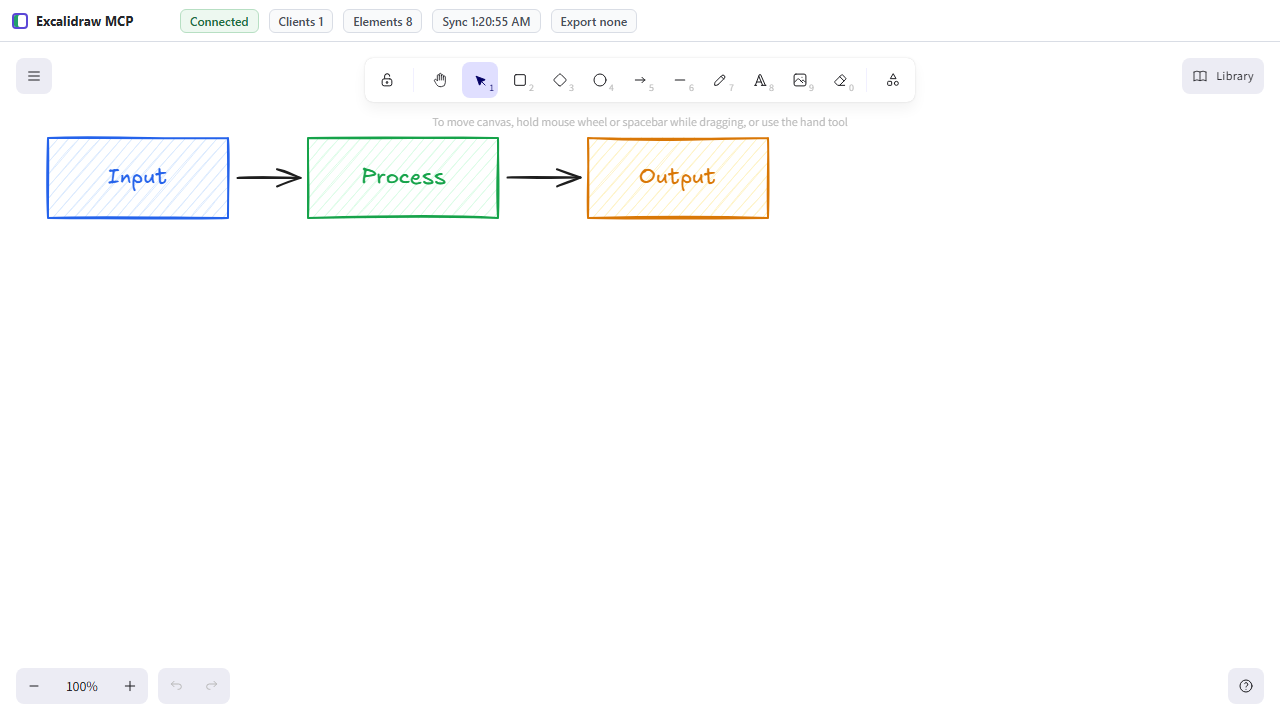
Recorded workflow
Create, inspect, revise, export and reopen a synthetic diagram, then edit the reopened element.
Recorded on . Version 0.1.1, source 79a371e50a50. These are recorded tool responses; opening them does not run a server or connect to your files.
1. Create a small synthetic workflow
{
  "name": "batch_create_elements",
  "arguments": {
    "elements": [
      {
        "id": "draft",
        "type": "rectangle",
        "x": 80,
        "y": 100,
        "width": 200,
        "height": 90,
        "label": {
          "text": "Draft"
        }
      },
      {
        "id": "review",
        "type": "rectangle",
        "x": 380,
        "y": 100,
        "width": 200,
        "height": 90,
        "label": {
          "text": "Review"
        }
      }
    ]
  }
}

Created 2 element(s). Scene now has 2 element(s).

{
  "created": 2,
  "total": 2,
  "ids": [
    "draft",
    "review"
  ]
}2. Inspect the created diagram
{
  "name": "describe_scene",
  "arguments": {}
}

Scene has 2 element(s). Bounds: 80,100 500x90.

{
  "description": {
    "count": 2,
    "bounds": {
      "x": 80,
      "y": 100,
      "width": 500,
      "height": 90
    },
    "elements": [
      {
        "id": "draft",
        "type": "rectangle",
        "x": 80,
        "y": 100,
        "width": 200,
        "height": 90,
        "label": "Draft"
      },
      {
        "id": "review",
        "type": "rectangle",
        "x": 380,
        "y": 100,
        "width": 200,
        "height": 90,
        "label": "Review"
      }
    ]
  }
}3. Revise the review step by stable ID
{
  "name": "update_elements",
  "arguments": {
    "updates": [
      {
        "id": "review",
        "backgroundColor": "#d3f9d8"
      }
    ]
  }
}

Updated 1 element(s).

{
  "updated": 1,
  "ids": [
    "review"
  ]
}4. Export editable diagram data
{
  "name": "export_scene",
  "arguments": {
    "filePath": "workflow.excalidraw"
  }
}

Exported scene JSON to [synthetic workspace]\workflow.excalidraw.

{
  "path": "[synthetic workspace]\\workflow.excalidraw",
  "elements": 2
}5. Clear this disposable demonstration scene
{
  "name": "clear_canvas",
  "arguments": {}
}

Canvas cleared.

{
  "total": 0
}6. Reopen the editable export
{
  "name": "import_scene",
  "arguments": {
    "filePath": "workflow.excalidraw",
    "mode": "replace"
  }
}

Imported scene in replace mode. Scene now has 2 element(s).

{
  "mode": "replace",
  "total": 2
}7. Edit the reopened element to prove editability
{
  "name": "update_elements",
  "arguments": {
    "updates": [
      {
        "id": "review",
        "x": 400
      }
    ]
  }
}

Updated 1 element(s).

{
  "updated": 1,
  "ids": [
    "review"
  ]
}8. Inspect the reopened revised element
{
  "name": "query_elements",
  "arguments": {
    "id": "review"
  }
}

Found 1 matching element(s).

{
  "count": 1,
  "matches": [
    {
      "backgroundColor": "#d3f9d8",
      "strokeColor": "#1e1e1e",
      "fillStyle": "hachure",
      "strokeWidth": 2,
      "strokeStyle": "solid",
      "roughness": 1,
      "opacity": 100,
      "angle": 0,
      "groupIds": [],
      "locked": false,
      "id": "review",
      "type": "rectangle",
      "x": 400,
      "y": 100,
      "width": 200,
      "height": 90,
      "label": {
        "text": "Review"
      },
      "version": 2,
      "updated": 1790453223809
    }
  ]
}
Synthetic content only. Export paths are replaced with [synthetic workspace].
The problem
A diagram is rarely finished after its first draft. A useful assistant needs to inspect the scene, correct the layout and export it while leaving the result editable by a person.
How it works
A local MCP server manages the scene and synchronizes it with an Excalidraw browser canvas through an HTTP/WebSocket bridge. Tools cover creating and inspecting elements, importing structured diagrams and exporting the result.
Engineering decisions
I built around an edit–inspect–revise loop, rather than treating an exported image as the only output. Keeping a structured scene makes it possible to adjust individual elements and continue working in the canvas.
What I verified
The original browser test rendered a synchronized scene and verified PNG export. Type checking and the web/server build passed. Mermaid tests that timed out during a concurrent run passed unchanged in isolation.
Current limits
The preview is an original application capture using a small test scene. A local MCP client is required to use the integration; this page does not connect to your editor or files.
Collaboration & credits
Excalidraw supplies the drawing editor; the MCP SDK supplies the protocol foundation. My contribution is the server, scene tools, synchronization and workflow integration.